
Code Obfuscation vs Minification: What Is the Difference? (2026)
 ROIBestPublished on July 22, 2026 · in Guides
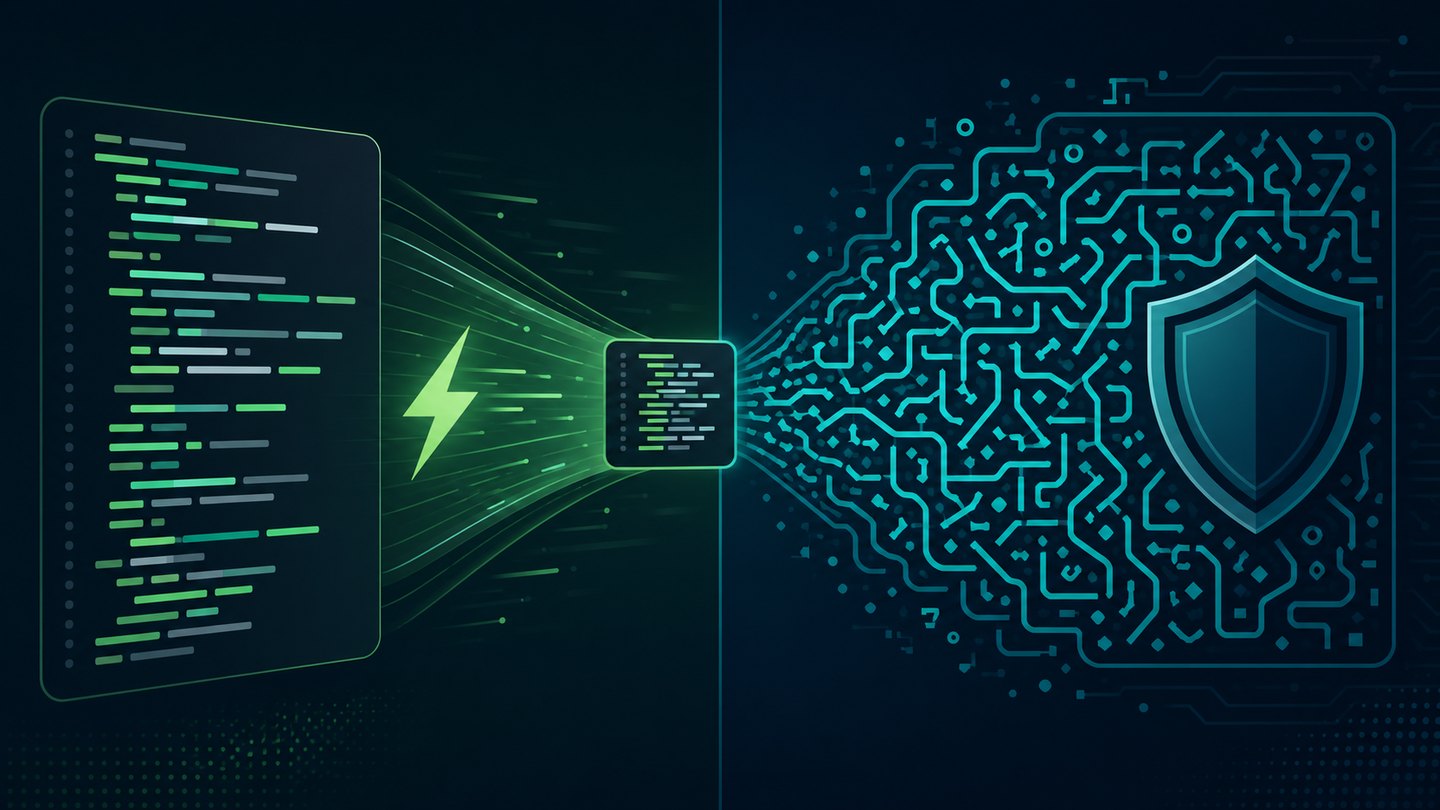
Minification and code obfuscation both transform your source code, but for different goals: minification shrinks code so it loads and runs faster, while obfuscation deliberately scrambles names and logic so the code is hard to reverse engineer. Minification is a performance technique; obfuscation is a protection technique. Most production apps shipping overseas end up using both.
Code Obfuscation vs Minification at a Glance
|
|
Minification |
Code Obfuscation |
|---|---|---|
|
Primary goal |
Smaller files, faster load |
Harder to read, copy, or tamper with |
|
What it changes |
Whitespace, comments, shortens identifiers |
Identifiers, strings, control flow, sometimes encryption |
|
Readability after |
Hard to read, easy to restore with a formatter |
Hard to read even after formatting |
|
Performance impact |
Positive (smaller payload) |
Neutral to slightly negative (extra indirection) |
|
Typical tools |
Terser, esbuild, cssnano |
R8/ProGuard, DexGuard, commercial obfuscators |
|
Where it matters most |
Web pages, PWAs, JS bundles |
APKs, SDKs, client-side business logic |
The confusion is understandable: a minified bundle looks unreadable. But unreadable-by-accident is not the same as unreadable-by-design.
What Is Minification?
Minification strips everything the machine does not need: whitespace, comments, long variable names. A build tool like Terser or esbuild rewrites calculateTotalPrice into t and collapses the file into a single line. The logic itself is untouched — anyone can run the bundle through a pretty-printer and follow the control flow again.
That is fine, because the goal was never secrecy. Smaller JavaScript and CSS mean less to download and parse, which is why minification is a standard step in virtually every production web build, and why it directly benefits page speed for PWAs and mobile web landing pages.
What Is Code Obfuscation?
Obfuscation starts where minification stops. Instead of merely shortening names, an obfuscator actively works against human analysis: renaming classes into meaningless symbols, encrypting string constants, flattening control flow, inserting opaque predicates, and detecting debuggers or tampering at runtime.
On Android, Google's own toolchain blurs the line in one direction: according to Google's Android developer documentation, R8 performs shrinking, obfuscation, and optimization in a single pass when you enable it for a release build. Dedicated tools go further than R8's renaming — string encryption and control-flow transformations are the usual next step. The OWASP Mobile Application Security project lists resilience measures such as obfuscation and anti-tampering as an additional defense layer for apps that handle valuable logic or credentials.
If you are choosing a tool, we compared popular options in 6 most-recommended code obfuscation tools and a compliance-focused shortlist in 6 app code obfuscation tools worth sharing.
When to Use Which — and When to Use Both
Use minification alone when the code holds no secrets: marketing pages, open-source front ends, standard UI logic. The bundle is public anyway; you only care about speed.
Add obfuscation when the client-side code embodies something you do not want cloned or tampered with: licensing checks, proprietary algorithms, API access patterns, anti-fraud logic, or an APK you distribute outside a store you control.
Use both, in the right order, for shipped mobile apps: minify/shrink to cut size, obfuscate to raise the cost of reverse engineering. On Android the two are literally one step (R8); for JavaScript, run the obfuscator after the minifier so the protective transforms are not undone by later optimization.
One honest caveat: obfuscation raises the cost of reverse engineering; it does not make it impossible. Treat it as one layer — keep real secrets on the server.
Why This Matters for Apps Going Global
Teams distributing apps internationally often ship two artifacts at once: a web/PWA front end where every kilobyte of JavaScript affects conversion, and an Android APK where unprotected code invites repackaging. That is exactly the split above — minify the PWA aggressively for speed, obfuscate the APK to protect distribution.
ROIBest builds PWA-based distribution for apps expanding overseas; if you are weighing a PWA alongside your APK strategy, see why teams choose ROIBest.
FAQ
Is minification the same as obfuscation?
No. Minification only removes what the machine does not need, and a formatter largely reverses its effect on readability. Obfuscation applies transformations specifically designed to stay hard to read and analyze.
Should I run minification and obfuscation together?
For protected production code, yes — minify for size, then obfuscate for protection. On Android, R8 handles shrinking and obfuscation in the same release-build step.
Does minification help SEO?
Indirectly. Smaller bundles improve load metrics, and page experience signals feed into how search engines evaluate pages. It is a performance best practice regardless of ranking effect.
Can obfuscated code still be reverse engineered?
Yes, with enough effort. Obfuscation raises attacker cost rather than guaranteeing secrecy, which is why sensitive logic and credentials belong on the server side.