
How to Convert a Website to an App Without Coding
 Kenji WatanabePublished on August 14, 2026 · in Guides
How to Convert a Website to an App Without Coding
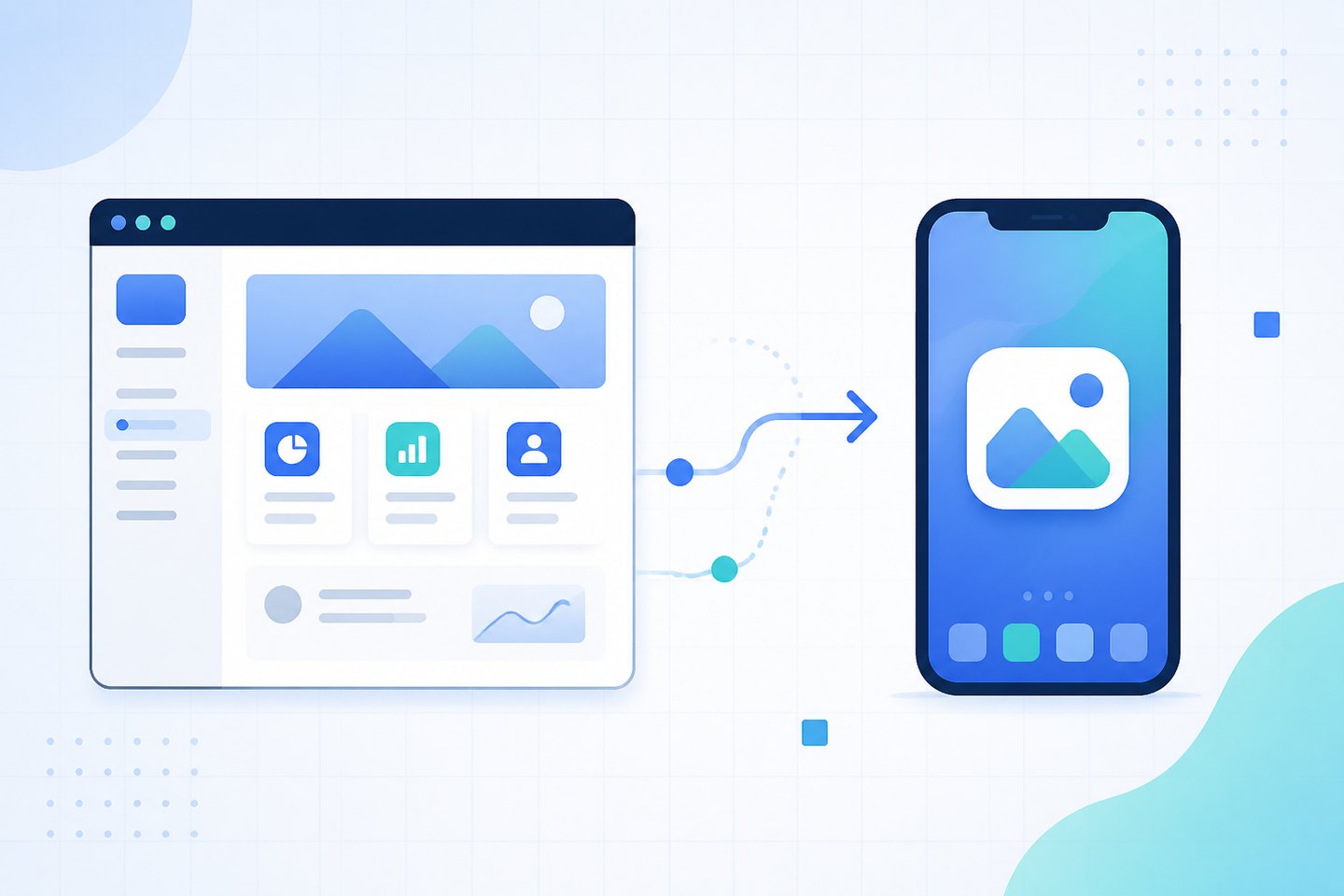
Turning an existing website into something people can install on their phone used to mean hiring a developer and maintaining two extra codebases. That is no longer the only path. For a large share of content, commerce and service sites, you can convert a website to an app without coding — and the honest version of that promise depends entirely on which of three routes you take.
This guide covers what each route actually produces, what it costs you in maintenance, and how to tell which one your site qualifies for.
What "app" means matters more than the tooling
Before comparing tools, separate two things people call an app:
- An installed icon with its own window — launches from the home screen, runs without browser chrome, can send notifications, works partly offline.
- A store listing — a package distributed through Google Play or the App Store, discoverable by store search, subject to store review.
The first is achievable without writing code. The second is achievable without writing code too, but it introduces a review process that has nothing to do with your technical skill and everything to do with your category and content. Conflating the two is why people feel misled by no-code app tooling: they got the icon and expected the store listing.
Route 1 — Progressive Web App (no packaging, no store)
A Progressive Web App turns the site you already run into something installable. You add two things to the site: a web app manifest (a small JSON file naming the app, its icons, its start URL and display mode) and a service worker (a script that caches assets so the app opens without a network round trip).
Neither requires you to build an app. Most site platforms generate both from a settings panel, and on a custom site the manifest is a file you upload.
What you get: a home-screen icon, a standalone window with no address bar, offline handling of previously visited pages, and web push on Android. Updates ship the moment you publish — there is no resubmission.
What you do not get: presence in an app store, and on iOS a noticeably narrower feature set than on Android. Android and desktop Chrome show a genuine install prompt; iOS requires the user to tap Share and then Add to Home Screen, which is a real conversion cost you should design around rather than ignore. The mechanics of that prompt, and how much of the drop-off is fixable, are worth understanding before you commit — see our breakdown of how the add-to-home-screen prompt behaves across platforms.
Who it suits: sites whose value is the content or the transaction itself — media, catalogues, booking, dashboards, storefronts. If your site works well in a mobile browser today, it will work well as a PWA.
Route 2 — Wrapping the site in a native shell
A wrapper takes your URL and produces an installable package: an APK for Android, an IPA for iOS. Inside, a full-screen web view loads your site. Several hosted services do this from a form — you supply a URL, an icon and a name, and receive a build.
What you get: a real package you can distribute, submit to a store, or hand out directly. The wrapper layer can add things the open web cannot reach on every platform, most commonly push on iOS and some device APIs.
What it costs you: the package is a build artefact, so it goes stale. Change your site and the content updates instantly, but change anything in the shell — icon, permissions, SDK versions, minimum OS — and you rebuild and redistribute. If you list in a store, every one of those rebuilds is another review.
The failure mode to know about: stores are explicit that a package which only loads a website, with no functionality beyond what the browser provides, risks rejection as minimum-functionality. Wrappers that pass review generally add something the web cannot do — offline library, native notification handling, hardware integration. A wrapper alone is not a strategy for getting listed.
Route 3 — Rebuilding on a no-code app platform
The third route is not conversion at all: you rebuild the experience inside a no-code builder, connecting your existing data through an API, a CMS, or a spreadsheet. The site stays where it is and the app becomes a second front end over the same content.
What you get: genuinely native components, real store distribution, and full access to device capability.
What it costs you: two products. Every content model change, every new page type, every pricing change now lands in two places. Teams underestimate this, because the build is fast and the divergence arrives months later.
Who it suits: cases where the app needs to do something structurally different from the site — a loyalty flow, an offline-first field tool, a member area with device features. If the app is meant to be the site, this route is more machinery than the job needs.
Choosing between the three
|
Question |
PWA |
Wrapper |
Rebuild |
|---|---|---|---|
|
Needs a developer? |
No |
No |
No, but needs a builder |
|
Home-screen icon |
Yes |
Yes |
Yes |
|
App store listing |
No |
Possible, review risk |
Yes |
|
Updates without resubmission |
Yes |
Content yes, shell no |
No |
|
Works offline |
Cached pages |
Cached pages |
Fully |
|
iOS push |
Limited |
Yes |
Yes |
|
Two things to maintain |
No |
Shell only |
Yes |
The practical decision rule: if the answer to "why do we need an app" is store presence, you need Route 2 or 3. If the answer is speed, re-entry and re-engagement, Route 1 does that with the least new surface area.
Most teams asking how to convert a website to an app without coding are describing the second problem and reaching for the first solution.
A realistic sequence
- Audit the mobile site first. An app built on a slow, awkward mobile site inherits both problems and hides them behind an icon. Fix layout, speed and checkout before packaging anything.
- Add the manifest and service worker. Name, icons at the required sizes,
display: standalone, a start URL, a theme colour. Verify it with a browser install audit rather than by eye. - Decide what to cache. Shell and assets always; content pages by policy. Caching everything produces stale pages, caching nothing produces an app that fails without signal.
- Handle the install moment deliberately. Do not fire a prompt on first paint. Trigger it after a completed action, and write iOS instructions rather than pretending the platforms behave alike.
- Keep the indexable site intact. An installable layer should not change what crawlers see. Client-rendered content, blocked assets and duplicated URLs are where this goes wrong — the common SEO pitfalls of app-like sites apply the moment you add a shell.
- Only then consider packaging. If store presence still matters after the installable site is live, wrap it — with the minimum-functionality rule in mind.
Step 1 is the one that gets skipped and the one that decides the outcome.
What to measure
An app that nobody installs is a redesign with extra steps. Track four numbers:
- Install prompt shown → accepted (the top of the funnel, and the number the prompt design moves)
- Installed → opened at least twice (whether the icon does anything)
- Sessions from the installed context vs the browser (real behavioural difference, not vanity)
- Offline sessions that completed something (whether your caching policy was right)
If the second number is weak, the problem is the value of re-entry, not the packaging. No amount of shell engineering fixes it, and that is worth learning before you commit to maintaining a build pipeline. Offline behaviour in particular is where expectations and reality diverge most — what a service worker can and cannot recover is worth reading before you promise anything to users.
Frequently asked questions
Can I convert a website to an app for free?
The PWA route has no licensing cost — a manifest and a service worker are files on your own site, and every major browser supports installation without a paid tier. Hosted wrapper services usually charge per build or per month, and store distribution carries developer-account fees (a one-off for Google Play, an annual fee for Apple). So "free" is accurate for Route 1 and misleading for the others.
Will the converted app work on Android and iOS the same way?
No, and planning for that gap is most of the work. Android supports genuine install prompts, web push and richer install UI. iOS supports installation only through the Share menu, applies stricter storage eviction, and has historically lagged on web push. Assume Android gets the smooth path and iOS needs explicit instructions.
Can I publish a converted website to Google Play?
Yes, through a wrapper or a Trusted Web Activity, which packages a PWA as an Android app. Approval is not automatic: stores reject packages that add nothing beyond the browser experience. The realistic requirement is that the package does something a bookmark does not.
Does converting my site to an app hurt my SEO?
Not by itself — the installable layer sits on top of the same pages. Problems arise when the conversion changes how content is delivered: content that renders only after JavaScript, a service worker that serves crawlers a shell, or an app subdomain duplicating the main site. Keep URLs and server-rendered content stable and the risk is low.
How long does it realistically take?
Adding a manifest and a basic service worker to a healthy site is a day of work. Getting install rates that justify the effort takes longer, because that depends on prompt timing, perceived value and the mobile experience underneath. The technical step is not the slow part.
Converting a website to an app without coding is genuinely achievable — the discipline is in matching the route to the reason. ROIBest works on the PWA side of that decision, covering installable delivery, push re-engagement and campaign measurement for teams running mobile web traffic.