
Deep Linking for PWA: How Links Open Installed Apps (2026)
 Kenji WatanabePublished on October 14, 2026 · in PWA Insights
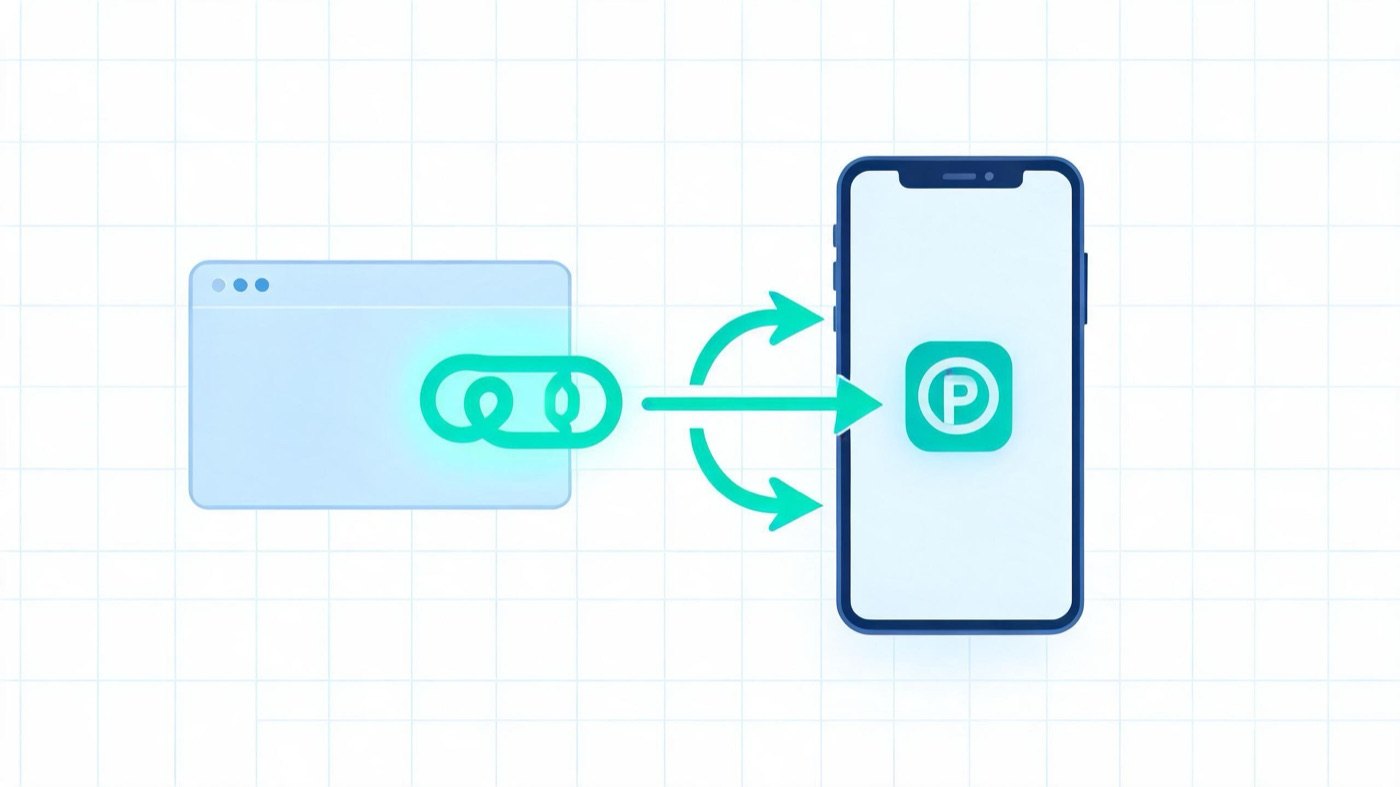
Deep linking for PWA works differently from deep linking for native apps. A progressive web app has no custom URL scheme and no app-store package to route into: every screen already has a normal HTTPS URL. The hard part is not creating the link, it is getting the operating system to open that link inside the installed PWA instead of a browser tab, and keeping campaign parameters alive across the install. This guide covers how that works on Android, what iOS does and does not allow, how to carry UTM parameters through an install, and how to test the whole chain before you spend on ads.
Short answer: In a PWA, any URL inside the manifest scope is a deep link. On Android, Chrome turns an installed PWA into a WebAPK whose intent filters cover that scope, so in-scope links opened from other apps can launch the PWA (subject to Android version and user link settings). On iOS, links tapped outside the home-screen app open in Safari, not in the installed web app. Design your campaign links so they work in both cases.What a deep link means in a PWA
In a native app, a deep link is a special address (a custom scheme such as myapp://product/42, or a verified App Link / Universal Link) that the OS hands to the app. In a PWA there is nothing to translate: https://shop.example.com/product/42 is the deep link. Three manifest fields decide how that URL behaves once the app is installed:
|
Manifest field |
What it controls |
Why it matters for deep links |
|---|---|---|
|
|
The set of URLs that belong to the app |
Only in-scope URLs can open in the app window; out-of-scope navigation leaves the app UI |
|
|
The page opened when the user taps the home-screen icon |
Your only guaranteed entry point after install, and the natural place for a source tag |
|
|
The app's identity |
Keep it stable, or a changed |
A minimal manifest for a deep-linkable PWA:
{
  "name": "Example Shop",
  "id": "/",
  "start_url": "/?source=pwa",
  "scope": "/",
  "display": "standalone",
  "icons": [{ "src": "/icon-512.png", "sizes": "512x512", "type": "image/png" }]
}
If your scope is /app/, links to /blog/ will never open inside the installed app. For campaigns, the simplest rule is: put every landing and product URL you advertise inside the scope. See our PWA manifest requirements guide for the fields browsers actually check.
PWA deep linking on Android: how installed apps capture links
WebAPK intent filters
When a user installs a PWA from Chrome on Android, Chrome normally creates a WebAPK, a small Android package generated from your manifest. The WebAPK declares intent filters for your origin and scope. That is what allows a link tapped in a messaging app, email client, or another app to open the installed PWA directly.
Things that change the result:
- Android version and link verification. Since Android 12, web links that are not verified for an app open in the default browser unless the user has enabled "open supported links" for that app. Whether a given WebAPK link opens the app or the browser can therefore vary by device. Test on the Android versions your audience uses.
- Links clicked inside Chrome itself. Tapping an in-scope link inside a normal Chrome tab usually keeps the user in the tab. Launching the installed app is driven by intents from outside the browser, not by every navigation.
- Manifest changes after install. WebAPKs are updated when Chrome detects certain manifest changes, but this is not instant. Do not change
scopeoridin the middle of a campaign.
launch_handler, handle_links and capture_links
These fields are often mentioned in deep linking tutorials. Their status differs, so treat them conservatively:
launch_handler(withclient_modevalues such asnavigate-existingorfocus-existing) controls whether a launch reuses an open app window or opens a new one. It has shipped in Chromium on desktop; support on Android and in other browsers is limited or different. Use it as a progressive enhancement, never as the only mechanism.handle_linksis a proposal that lets a PWA state whether it prefers to capture links to its scope. Treat it as experimental.capture_linksis an older proposal that was largely superseded bylaunch_handler. Do not build a campaign on it.
As of 2026, check Chrome Platform Status (chromestatus.com) and MDN for the current implementation state of each field before relying on it. Browser behavior here has changed several times.
{
  "launch_handler": { "client_mode": ["navigate-existing", "auto"] }
}
Digital Asset Links: where TWA differs
A Trusted Web Activity (TWA) is a real Android app (built with Bubblewrap or Android Studio) that displays your PWA in full screen. Because it is an Android package you control, it can declare verified Android App Links: you publish /.well-known/assetlinks.json on your domain with the app's package name and signing certificate fingerprint, and Android verifies the association. Verified links open the TWA without a chooser.
A WebAPK is generated by Chrome, so you do not write its intent filters or sign it yourself. The trade-off in short:
|
|
Installed PWA (WebAPK) |
TWA |
|---|---|---|
|
Distribution |
Install from the browser |
Store or APK distribution |
|
Link capture |
Intent filters generated from manifest scope |
Verified App Links via Digital Asset Links |
|
Control over link behavior |
Limited, depends on Chrome and Android |
Higher, you own the Android manifest |
|
Release overhead |
Deploy the website |
Build, sign and publish an Android app |
For a fuller comparison, read PWA vs TWA.
Deep linking for PWA on iOS: the limits
iOS supports installing web apps to the home screen via Safari's Share menu (and, in recent versions, from other browsers that use the system share sheet). Deep linking is where it falls short:
- External links do not open the home-screen app. A link tapped in Messages, Mail, or a social app opens in Safari (or the in-app browser), even if the same site is installed. There is no WebAPK-style intent capture, and Universal Links are for native apps.
- Storage is separate. The home-screen app has its own storage, isolated from Safari. A value written to
localStorageor a cookie in Safari before installation is generally not visible inside the installed app. start_urlis the entry point. Opening the app from the icon loadsstart_url(or the page that was saved, depending on version). It will not land on the product page from the ad unless you route it there.
What you can still do on iOS:
- Make every deep link work in Safari. The link must render the right content in a normal browser tab. That is the default experience for iOS users, installed or not.
- Resume by account, not by device storage. If the user signs in, store the intended destination server-side and redirect after login inside the home-screen app.
- Use Web Push to re-enter the app. Since iOS 16.4, home-screen web apps can receive push notifications, and tapping a notification opens the installed app at the URL you specify. This is the most reliable way to send an installed iOS user to a specific screen.
- Show a short "open from your home screen" hint on pages reached in Safari when you detect the user has installed the app before (for example, via a logged-in flag).
Install prompts on iOS are manual; see Add to Home Screen prompt for how to guide users through it.
Keeping deep link and UTM parameters through the install
Deferred deep linking means: the user clicks an ad, installs, and the first launch still knows where they came from and where they wanted to go. PWAs do not have an install referrer API like Google Play, so you build it yourself.
Step 1: capture parameters on the landing page
// Run on the first page view, before the install prompt
const params = new URLSearchParams(location.search);
const keys = ['utm_source', 'utm_medium', 'utm_campaign', 'utm_content', 'gclid', 'fbclid', 'ttclid'];
const attribution = {};
keys.forEach(k => { if (params.get(k)) attribution[k] = params.get(k); });
if (Object.keys(attribution).length) {
  attribution.landing_path = location.pathname;
  attribution.ts = Date.now();
  localStorage.setItem('attribution', JSON.stringify(attribution));
}
On Android Chrome, the WebAPK shares the browser profile's storage for your origin, so this value is normally readable on first launch. On iOS it is not, which is why step 3 matters.
Step 2: tag launches from the home screen
Put a source marker in start_url (for example /?source=pwa) and check display mode at runtime:
const isStandalone = window.matchMedia('(display-mode: standalone)').matches
  || window.navigator.standalone === true;
This lets your analytics split browser sessions from installed-app sessions. Keep start_url static per app identity; a manifest generated per visitor is possible, but it complicates caching and app identity and is hard to debug.
Step 3: persist server-side
When the user installs (Chromium fires appinstalled) or signs up, send the stored attribution object to your backend and attach it to the user or a first-party ID. On iOS, a short-lived token in the URL of a post-install step, or an account login, is the practical way to bridge Safari and the home-screen app.
Step 4: route the first launch
On the first standalone launch, read the stored landing_path (or fetch it from the server) and navigate there once. Clear the flag afterwards so later launches open normally.
To measure each of these stages, see how to measure Add to Home Screen conversions.
Designing the ad-to-app link chain
A deep link chain for PWA campaigns usually has four hops. Each one can drop parameters or users:
|
Hop |
Typical failure |
What to do |
|---|---|---|
|
Ad click → landing URL |
Redirect chain strips query parameters |
Keep redirects minimal; test the final URL keeps UTMs |
|
In-app browser (social apps) |
Install is not available in the embedded webview |
Detect the webview and offer an "open in browser" step; on Android an |
|
Landing → install |
Install prompt never shown or dismissed |
Show install UI after engagement; see Chrome install prompt optimization |
|
Install → first launch |
Opens |
Route first launch using stored |
A PWA landing page built for this chain keeps the promise of the ad on the first screen, captures parameters before anything else runs, and treats install as a step, not the goal.
How to test and troubleshoot PWA deep links
On Android:
- Open
chrome://webapksin Chrome to confirm the WebAPK exists and see its details. - Fire a link intent from a connected device to simulate a tap from another app:
adb shell am start -a android.intent.action.VIEW -d "$DEEP_LINK_URL"- If it opens Chrome instead of the app, check: is the URL inside
scope? Is "open supported links" enabled in the app's Android settings? Was the PWA installed as a WebAPK (not just a home-screen shortcut)? - On Android 12 and later,
adb shell pm get-app-links <package>shows the link verification state for an installed package, including TWAs.
On iOS:
- Install from Safari, then test entry points one by one: icon tap, push notification tap, and a link tapped in Messages (expect Safari).
- Confirm the home-screen app does not see Safari's storage, and that your server-side fallback restores the destination.
Everywhere:
- Chrome DevTools > Application > Manifest shows the parsed
scope,start_url,idand any warnings. - Log
display-mode, the full landing URL and the stored attribution object on first launch. Most "lost deep link" reports turn out to be a stripped parameter or an out-of-scope URL.
FAQ
Do PWAs support deep linking?
Yes. Every page of a PWA has a URL, so linking to a specific screen works by default. What varies is whether the OS opens that link inside the installed app or in a browser. Android can route in-scope links to an installed WebAPK; iOS opens external links in Safari.
Can a link open an installed PWA on iPhone?
Not directly from other apps. Links tapped outside the home-screen web app open in Safari. Tapping a Web Push notification does open the installed app, and the app's start_url can route users to the right screen once they launch it.
What is the difference between PWA deep linking and Android App Links?
Android App Links are verified with Digital Asset Links (assetlinks.json) and require an Android package you control, such as a TWA. An installed PWA relies on the WebAPK that Chrome generates, whose link handling depends on Chrome, the Android version and user settings.
How do I keep UTM parameters after a PWA install?
Save them on the landing page before install (localStorage on Android, server-side for iOS), add a source marker to start_url, and send the stored values to your backend at install or signup. Then route the first standalone launch to the saved landing path.
Is launch_handler supported on Android?
Support differs by platform and browser and has changed over time. As of 2026, it is best treated as a desktop-Chromium enhancement; check Chrome Platform Status and MDN before relying on it, and make sure your links work without it.
Summary
Deep linking for PWA is mostly about scope, routing and persistence: keep every advertised URL inside the manifest scope, expect Android to capture links only under the right conditions, plan for iOS to open links in Safari, and carry attribution through the install yourself. ROIBest provides PWA building and distribution tools for ad campaigns, including install flows and conversion tracking, if you prefer not to assemble this chain from scratch.