
App Rejected for Deceptive Behavior: What Google Play's Policy Actually Covers (2026)
 Grace WhitmorePublished on September 8, 2026 · in Guides
App Rejected for Deceptive Behavior: What Google Play's Policy Actually Covers (2026)
A "Deceptive Behavior" enforcement notice is one of the least specific messages Google Play sends. It names a policy that spans at least six unrelated failure modes, and it rarely tells you which one you tripped. Developers respond by guessing — usually by rewriting the description, which is the right fix for roughly one case in six.
The policy is best understood by contrast with its neighbour. Impersonation asks who you claim to be. Deceptive Behavior asks whether your app does what it says it does — and whether anything in the app or the listing misleads the user about what is happening on their device.
The six things the policy actually covers
1. Misleading listing metadata. Screenshots showing functionality the app does not have, a description promising features that are absent or behind a paywall the listing never mentions, a title claiming capability the build does not ship. This is the case rewriting the description actually fixes.
2. Misleading functionality — the app does not do what it claims. Utility apps are the classic example: a "device cleaner" that shows fabricated scan results, a "signal booster" with no mechanism to boost anything, a "virus scan" animation with no scanner behind it. The fabricated result display is the violation, even when the app is otherwise harmless.
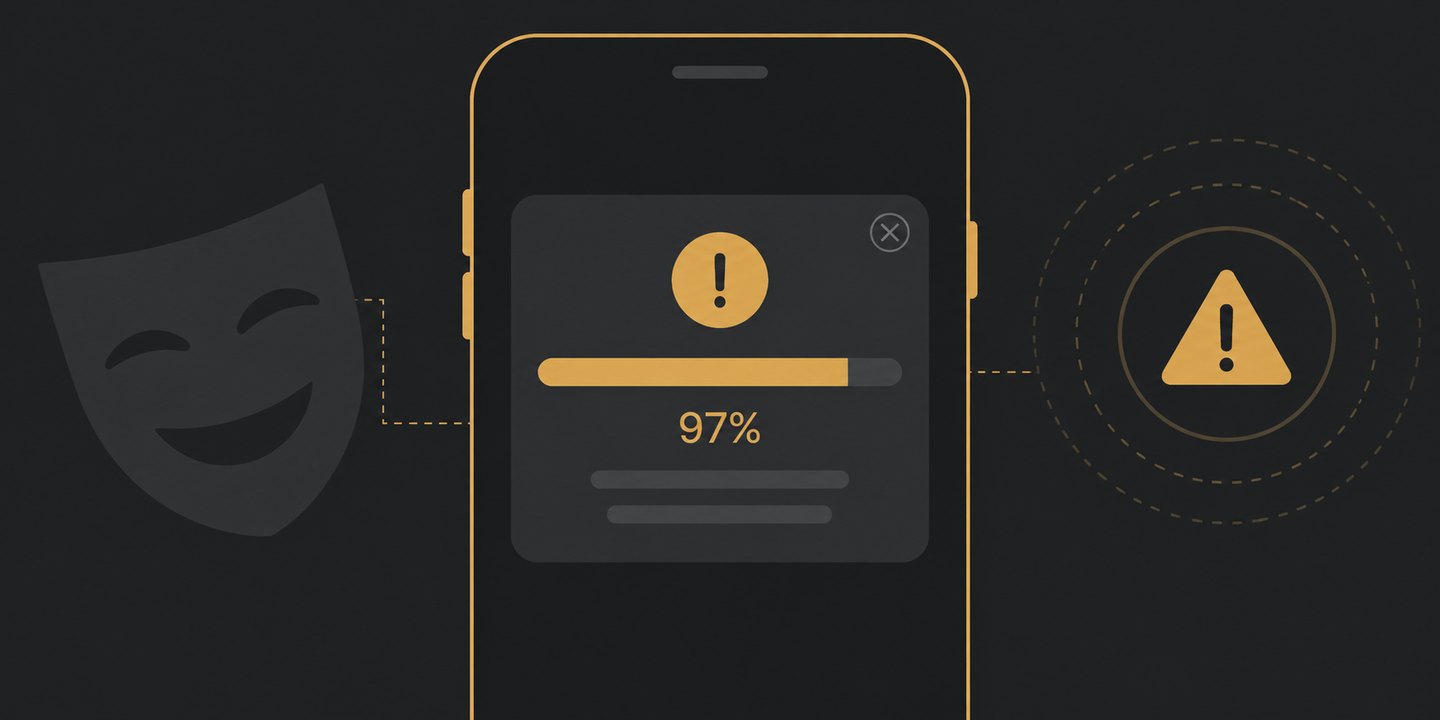
3. Imitating system UI or notifications. In-app elements dressed as OS dialogs, fake system warnings, notifications styled to look like they come from Android or from another app. This is enforced strictly because it manipulates the trust users place in the system layer rather than in your app.
4. Deceptive ad implementations. Ads that imitate app content or system alerts, close buttons that do not close, interstitials placed so a mis-tap is the likely outcome, ads that trigger before the user has interacted with anything. Monetisation SDK defaults do not shield you here — the placement is yours.
5. Undisclosed or changed behaviour after install. An app that downloads its real functionality after review, changes its purpose via server-side configuration, or hides features behind conditions the listing never disclosed. This one escalates fastest, because from the outside it is indistinguishable from deliberately evading review.
6. Manipulated ratings, reviews, or install signals. Incentivised reviews, review gating that only routes happy users to the store, and artificial installs.
Note how different the remedies are. Case 1 is a listing edit. Case 3 is a UI change. Case 5 is an architecture change and a much harder appeal. Sending the same "I updated the description" appeal for all six is why so many resubmissions fail.
Working out which one you hit
The enforcement email cites the policy but usually not the sub-clause. Three things narrow it down quickly:
Check whether the notice targets the listing or the build. Notices that reference store listing assets point at case 1; notices that reference app behaviour point at 2-5.
Open the Policy status page in Play Console. It frequently carries more specific text than the email, and sometimes names the offending asset or screen directly.
Audit against the list above in order of severity, not order of likelihood. Cases 5 and 6 have the harshest escalation path, so rule them out first — including anything your third-party SDKs do that you have not audited. "The ad network did it" is not a defence that changes the outcome.
Fixing it without making things worse
Do not resubmit until you can name the sub-clause. A resubmission that does not address the actual trigger reads as a repeat violation on the same policy, and repeat violations escalate from rejection to removal to account-level action.
Fix the strongest signal, not the cheapest one. If the screenshots show a feature you do not ship, remove the screenshots — do not add a disclaimer to the description.
Remove fabricated result displays entirely. For case 2, softening the language does not help. A cleaner that reports "247 junk files found" without a real scan is deceptive at 247 and at 3.
Audit your ad placements on a real device. Specifically: can every ad be dismissed with the visible close control, on the first tap, at your minimum supported screen size?
Document what changed when you appeal, and appeal once. State the sub-clause, the change, and where to see it.
For rejections that are not about deception, Google Play App Rejected: How to Read the Reason, Fix It, and Resubmit covers general triage. If the notice is about who your app appears to be rather than what it does, that is a different policy — see Google Play Impersonation Policy. If the app is already gone from the store, App Removed from Google Play covers recovery.
Distribution choices that reduce the exposure
Deceptive Behavior risk concentrates in a few product patterns: utility apps that need a visible "result", ad-heavy free tiers, and apps whose functionality is assembled at runtime. Where the product genuinely does not need store distribution — content-led experiences, web-first products, funnels where the "install" is the friction — a web-delivered path avoids the entire policy surface, at the cost of the store's discovery. That is a distribution trade-off, not a compliance trick, and it is worth evaluating honestly: PWA vs APK lays out where each one actually wins.
FAQ
What does "deceptive behavior" mean on Google Play?
It covers apps that mislead users about what the app does or what is happening on their device — spanning misleading listings, fabricated functionality, imitation of system UI, deceptive ads, undisclosed post-install behaviour, and manipulated ratings.
My app was rejected for deceptive behavior but I did not lie about anything. Why?
The most common cause in good-faith apps is a fabricated result display (scan counts, cleanup totals) or an ad placement where the close control is not reliably reachable. Neither requires an intent to deceive to violate the policy.
Can I just edit the description and resubmit?
Only if the notice targets your listing metadata. If it targets app behaviour, a description edit is a repeat violation on the same clause, which escalates rather than resolves.
How is this different from the impersonation policy?
Impersonation concerns identity — who published the app and who it is affiliated with. Deceptive Behavior concerns conduct — what the app claims to do and what it actually does. A listing can violate both at once, and each carries its own notice.
The short version
"Deceptive Behavior" is six policies wearing one name. Before you touch anything, work out which one the notice is about: listing assets, fabricated results, fake system UI, ad placement, post-install changes, or rating manipulation. The fix for each is different, and the resubmit-with-a-new-description reflex is what turns a single rejection into an escalating record.