
PWA Push Notifications on Android: How They Work and How to Set Them Up (2026)
 Kenji WatanabePublished on August 11, 2026 · in PWA Insights
PWA Push Notifications on Android: How They Work and How to Set Them Up (2026)
Push is one of the few retention channels you own outright. For teams distributing an Android product as a Progressive Web App instead of an APK, the first question is almost always the same: do PWA push notifications on Android actually work, and how close are they to what a native app can do?
The short answer is that on Android they work well, they have worked for years, and the gap with native push is much narrower than most people assume. The longer answer is that the setup has three moving parts, and almost every "push stopped working" report traces back to one of them.
What PWA push notifications on Android actually are
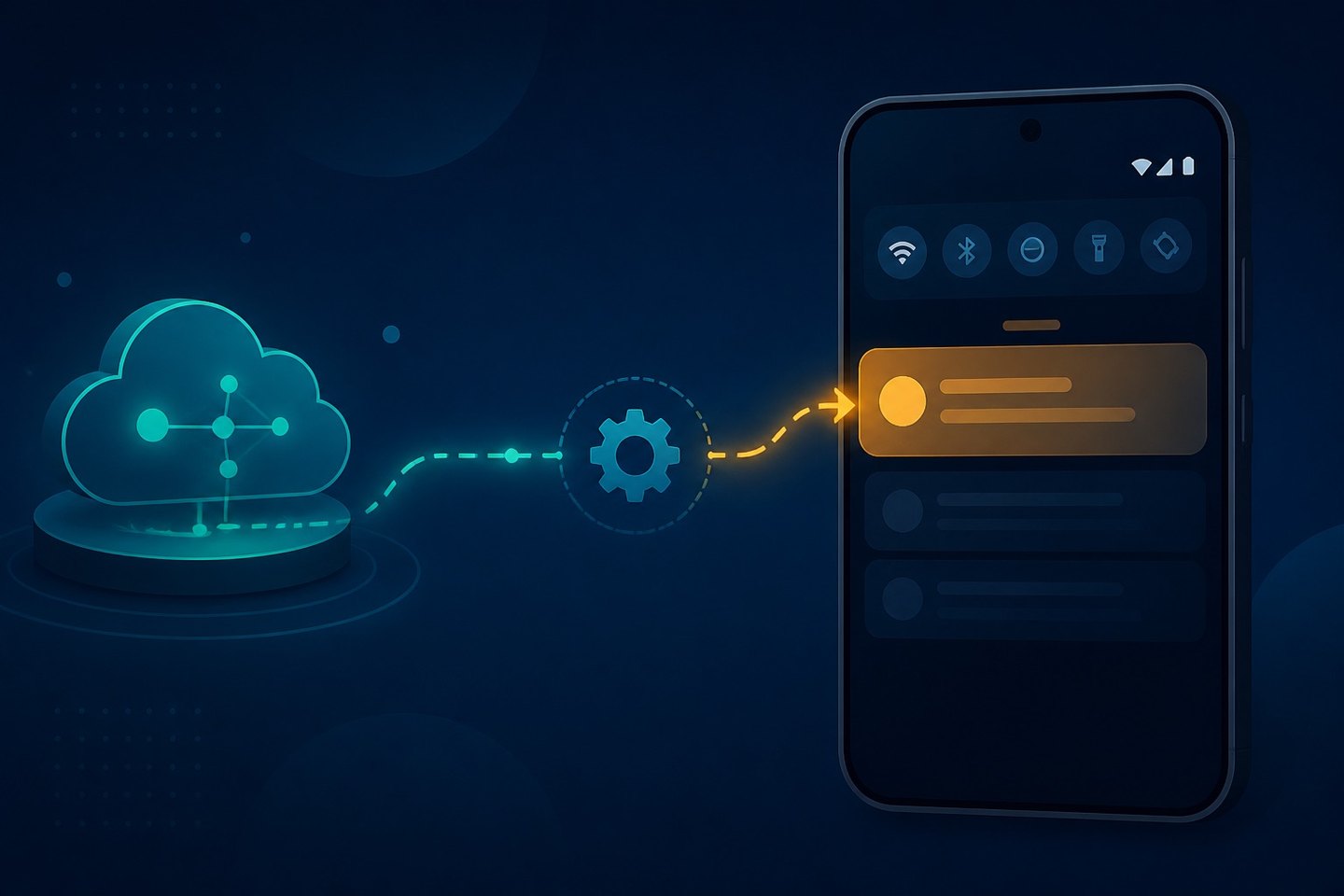
A PWA push notification is a message delivered to the device by the browser's push service and displayed by a service worker, even when the site is closed. On Android, Chrome and other Chromium browsers surface it in the system notification tray exactly like a native app notification: icon, title, body, actions, and a tap target that opens your site.
Two things follow from that definition and they matter more than any implementation detail:
- The service worker, not the page, receives the message. The user does not need a tab open. This is what makes push a retention channel rather than an on-page widget.
- Delivery goes through the browser vendor's push service. You never talk to the device directly. You hand an encrypted payload to an endpoint, and that service does the rest.
The three pieces you have to get right
A registered service worker
Push requires an active service worker registered over HTTPS. If registration fails — wrong scope, wrong MIME type on the script, a stale cached version — nothing downstream works. The scope also determines which URLs the worker controls, so a worker registered at /app/sw.js will not serve pushes for pages outside /app/.
A push subscription with VAPID keys
The browser creates a subscription object containing an endpoint URL and two encryption keys. You generate a VAPID key pair once, hand the public key to the browser at subscribe time, and sign outgoing messages with the private key. The subscription object is what you store server-side — treat it as the user's address.
Subscriptions expire and rotate. A production system needs a pushsubscriptionchange handler and a job that prunes endpoints returning 404 or 410, or your delivery numbers will quietly drift down over months.
A push service and a sender
The endpoint in the subscription points at the browser vendor's infrastructure. Your server encrypts the payload against the subscription keys and POSTs it there. Most teams use a library rather than implementing the encryption by hand, because getting the message encryption wrong produces a silent non-delivery rather than a useful error.
Permission prompts decide your opt-in rate
Everything above is plumbing. The number that actually moves your reachable audience is what fraction of visitors grant notification permission, and that is decided in the first few seconds of a session.
Chrome on Android only allows the permission prompt in response to a user gesture, and a denial is close to permanent — the user has to go into site settings to undo it. That asymmetry should shape the flow:
- Never prompt on page load. A cold prompt to a first-time visitor is the single most common cause of a low opt-in rate, and each denial is a user you cannot ask again.
- Ask after a moment of demonstrated value, not before it. A visitor who has just tracked an order or saved an item understands what they are subscribing to.
- Use a soft pre-prompt. Your own in-page explanation costs nothing if declined; the browser prompt costs you the user permanently. Only trigger the real prompt for people who said yes to yours.
- Say what you will send and how often. "Order updates only" converts better than "Enable notifications," and it reduces later unsubscribes.
Where Android PWA push differs from native app push
For most product use cases the functional gap is small, but it is not zero:
|
Aspect |
Android PWA push |
Native Android push |
|---|---|---|
|
Requires install to receive |
No — a subscribed browser session is enough |
Yes |
|
Delivery path |
Browser push service |
App-level messaging SDK |
|
Rich media and actions |
Supported (image, actions, badge) |
Supported |
|
Background handling |
Service worker, subject to browser lifecycle |
OS-level service |
|
Survives browser data clear |
No |
Survives unless app data cleared |
The practical implication is that PWA subscriptions are somewhat more perishable. Clearing browser data drops the subscription, and users do that more often than they uninstall apps. Plan for re-subscription rather than assuming a subscription is permanent, and measure active endpoints rather than cumulative opt-ins.
If you are still weighing the distribution decision itself, the trade-offs beyond push are covered in PWA vs APK and in the broader PWA vs native app comparison.
Common reasons PWA push notifications stop working on Android
When push breaks, it is usually one of these, roughly in order of frequency:
- The subscription expired and was never refreshed. No
pushsubscriptionchangehandler, no pruning job. Symptom: delivery rate decays slowly over weeks. - The service worker was replaced or unregistered. A deploy changed the worker path or scope. Symptom: everything breaks at once, at deploy time.
- Permission was granted at a different origin. Notification permission is per-origin. Moving from a subdomain to a root domain, or adding a new domain, starts the permission state from scratch.
- The payload failed encryption. Wrong VAPID key pair after a rotation. Symptom: the push service accepts nothing, 401 or 403 from the endpoint.
- Device-level battery optimization. Some Android OEMs restrict background browser activity aggressively. Symptom: delayed rather than missing notifications, concentrated on specific device brands.
- The user has notifications muted for the browser at the OS level. Nothing in your code will surface this — it only shows up as a gap between accepted sends and observed opens.
The diagnostic order that saves the most time: check whether the push service accepted the message, then whether the service worker fired, then whether the notification was displayed. Those are three different failure surfaces and conflating them is why push debugging drags on.
What to measure
Opt-in rate alone is a vanity number. The set worth tracking:
- Prompt-to-grant rate — how good your timing and pre-prompt are.
- Active endpoints — subscriptions that have not returned 404/410, the real reachable audience.
- Accepted sends vs. displayed notifications — the gap here is device and OS behaviour.
- Click-through by message type — the number that tells you whether you are sending too often.
Frequently asked questions
Do PWA push notifications work on Android without installing the app?
Yes. On Android, a user who grants notification permission in the browser can receive push without adding the PWA to the home screen. Installing improves the experience — the notification opens a standalone window rather than a browser tab — but it is not a precondition for delivery.
Do PWA push notifications work on iOS as well?
They do, but only for PWAs the user has added to the home screen, and the setup is stricter than on Android. If push is central to your retention plan, treat Android and iOS as two different rollouts with different opt-in economics rather than one feature.
How often can you send before users unsubscribe?
There is no universal number, but the pattern is consistent: relevance tolerance is far higher for transactional messages than for broadcast ones. Teams that segment by behaviour and keep broadcast sends infrequent hold their active endpoints; teams that send the same message to everyone weekly tend to see steady endpoint decay.
Why do notifications arrive late on some Android devices?
Almost always OEM battery optimization restricting background activity for the browser. It concentrates on particular manufacturers, is outside your control from the web layer, and is best handled by not relying on precise delivery timing for time-critical messages.
The takeaway
PWA push notifications on Android are production-grade, and the technical setup — service worker, VAPID subscription, sender — is well-trodden. The part that determines whether the channel is worth anything is not the plumbing but the permission moment and the sending discipline afterwards. Get the prompt timing right, prune dead endpoints, and measure active reach rather than cumulative opt-ins.
For teams running Android distribution through the web rather than an app store, ROIBest covers the surrounding pieces of that stack.