
PWA vs Native App in 2026: Distribution, Cost, and Performance Compared
 Kenji WatanabePublished on August 6, 2026 · in PWA Insights
PWA vs Native App in 2026: Distribution, Cost, and Performance Compared
Teams shipping a mobile product in 2026 usually reach the same fork: build a native app and submit it to the app stores, or ship a Progressive Web App (PWA) that runs from a URL. The choice is often framed as a technology debate — it is really a distribution decision, and that is where most of the practical difference lives.
This comparison covers what each approach actually costs, where each one is genuinely limited in 2026, and a decision framework for choosing between them.
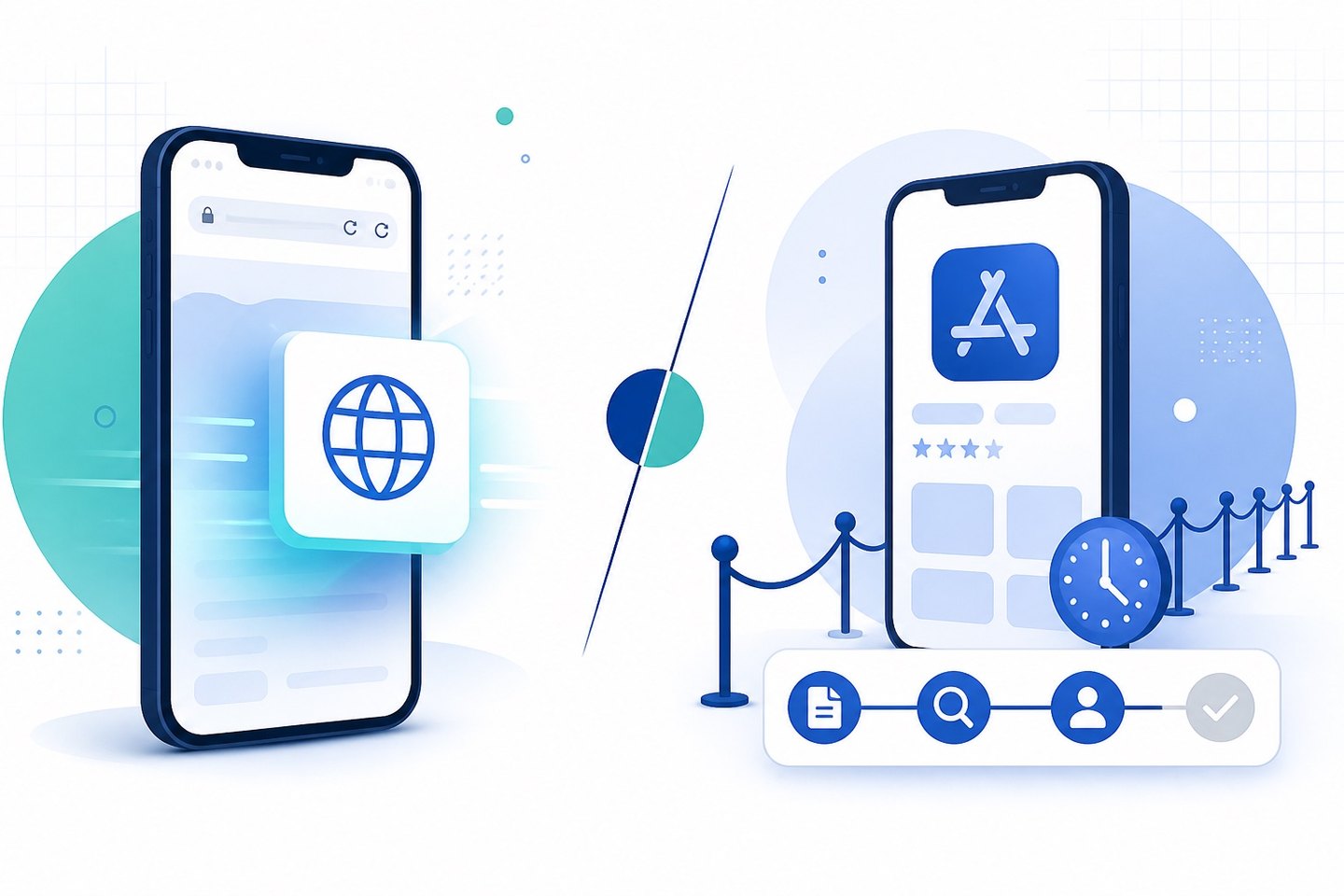
PWA vs native app: the core difference is how users get it
A native app is compiled for a specific platform (Swift/Kotlin, or a cross-platform framework like React Native or Flutter) and distributed through Google Play or the App Store. Users find it in a store listing, tap Install, and the binary downloads to the device.
A PWA is a website that meets a set of technical criteria — served over HTTPS, backed by a service worker, and described by a web app manifest. Browsers that recognise those criteria offer to add it to the home screen, after which it launches in its own window without browser chrome.
Everything else — the performance gaps, the cost differences, the update cycles — follows from that one distinction. Native apps live behind a review queue and a store listing. PWAs live behind a URL.
The review queue is the variable most teams underestimate
Store review is the part of native distribution that teams consistently plan badly. Google Play review times vary widely by account history, category, and whether the submission triggers a policy check; a first submission from a new developer account behaves very differently from an update to an established listing. We covered the mechanics of this in why Google Play review takes so long.
The operational consequences:
- A native release is not a same-day action. Any fix — including a fix for a bug you shipped — is gated by review. Expedited paths exist but are not dependable.
- Policy risk is concentrated at a single point. A listing removal takes the entire distribution channel with it, not one feature.
- Certain categories carry structurally higher rejection rates. Categories that overlap with regulated content, financial services, or user-generated media get more scrutiny.
A PWA has no review queue. A deploy is live when it finishes. That is a genuine advantage for iteration speed and a genuine loss of the trust signal that a store listing provides — both are real, and which one matters more depends on the product.
Device capability: where the 2026 gap actually sits
The "PWAs can't do X" argument was accurate for a long time and has narrowed considerably. What a PWA can do on a modern device:
|
Capability |
PWA (Android) |
PWA (iOS) |
Native |
|---|---|---|---|
|
Offline operation |
Yes (service worker) |
Yes |
Yes |
|
Home-screen install |
Yes |
Yes (Safari, manual) |
Yes |
|
Push notifications |
Yes |
Yes, since iOS 16.4, home-screen installs only |
Yes |
|
Camera / microphone |
Yes |
Yes |
Yes |
|
Geolocation |
Yes |
Yes |
Yes |
|
Background sync |
Yes |
Limited |
Yes |
|
Bluetooth / NFC / USB |
Partial |
No |
Yes |
|
Deep OS integration (widgets, Siri, contacts) |
Limited |
No |
Yes |
|
Store listing presence |
No |
No |
Yes |
The gaps that remain are real but narrow: background execution, low-level hardware access, and OS-surface integration. If your product depends on a home-screen widget, a Bluetooth peripheral, or continuous background processing, native is not a preference — it is a requirement.
If your product is content, commerce, media, booking, or an account-based service, the capability argument for native has largely evaporated. Those categories were the argument's strongest ground five years ago and are now the weakest.
iOS remains the asymmetry
Android treats installable web apps close to first-class. iOS does not. The practical iOS constraints in 2026:
- Install must go through Safari's Share menu — there is no browser-generated install prompt, so users have to be told how to install.
- Push notifications work only after the user has added the app to the home screen.
- Storage can be evicted after extended periods of non-use.
None of this makes iOS PWAs unusable, but it does mean iOS install conversion needs explicit onboarding rather than a system prompt. Teams that skip that step and then conclude "PWAs don't work on iOS" are usually measuring a missing instruction, not a platform limit.
Cost and maintenance
The cost difference compounds over the product's life rather than showing up at launch.
Native: two codebases (or one cross-platform codebase plus two build/release pipelines), two store accounts with annual fees, two review cycles per release, and platform SDK upgrades that arrive on the platform's schedule rather than yours. Cross-platform frameworks reduce the codebase count but not the release pipeline count.
PWA: one codebase, one deploy pipeline, no store fees, no review cycle. The cost that replaces them is browser compatibility work — particularly Safari — and it is smaller than maintaining two native pipelines for most teams.
The maintenance asymmetry is sharper than the build asymmetry. A native app that stops being updated degrades: OS releases break it, SDK deprecations accumulate, and stores eventually delist apps that target outdated API levels. A PWA that stops being updated keeps working, because the browser maintains backwards compatibility for it.
Acquisition, install friction, and re-engagement
This is where the two models diverge most sharply for anyone running paid acquisition.
Native install funnel: ad → store listing → download (tens to hundreds of MB) → open. Every step sheds users. The store listing step in particular is outside your control — you cannot A/B test your way around the platform's own page.
PWA install funnel: ad → page loads → usable immediately. Install is optional and can be deferred until after the user has seen value. The app is functional before installation, which inverts the native sequence.
The tradeoff is retention infrastructure. Native apps get reliable push and a permanent home-screen icon by default. PWAs get push too — including on iOS since 16.4 — but only after install, so re-engagement depends on getting users to install rather than being granted by the install itself.
There is also a discovery difference that cuts the other way: store search is a real acquisition channel for some categories, and PWAs are not in it. PWAs are indexed by search engines instead, which is a different channel with different economics, not a strictly better one.
Choosing between them
A practical way to decide:
Choose native when
- You need background execution, hardware peripherals, or OS-surface integration
- Store search is a meaningful acquisition channel in your category
- The product is graphics-intensive (3D, real-time video processing, games)
- Your users expect a store listing as a trust signal — common in finance and healthcare
Choose a PWA when
- The product is content, commerce, media, booking, or account-based
- Speed of iteration matters more than platform-native polish
- Install friction is measurably costing you users at the top of the funnel
- You are running paid acquisition and want the landing experience to be immediately usable
- Store policy risk in your category is high enough that a single listing removal is an unacceptable concentration of risk
Run both when you have the resources and the two channels serve different segments — a common pattern is a PWA for acquisition and first-session experience, with a native app for high-intent retained users. This costs more than either alone and only pays off when the segments genuinely differ.
What to measure before committing
Before choosing, get numbers on three things:
- Your current install funnel drop-off — how many users who tap an ad reach a first meaningful action. If most of the loss is between the store listing and first open, install friction is your problem and a PWA addresses it directly.
- Your iOS/Android split — a heavily iOS audience makes the PWA install path harder and needs a deliberate onboarding flow.
- Your release cadence needs — if you ship weekly, review latency is a recurring tax; if you ship quarterly, it is noise.
Those three answers usually settle the question faster than a feature-matrix comparison does.
Summary
The PWA vs native app decision in 2026 is not primarily about what each can technically do — that gap has narrowed to background execution, hardware access, and OS integration. It is about distribution: native buys you store presence and full device access at the cost of review latency, policy concentration, and install friction; a PWA buys you instant deployment and a frictionless funnel at the cost of store discovery and some platform capability.
For teams distributing to Android markets where install friction and store policy risk are the binding constraints, ROIBest provides PWA distribution infrastructure — installable web app delivery, push re-engagement, and attribution for paid traffic. Teams shipping native alongside it may also want to review code obfuscation options for the native binary.