
Web Push Notification Service: How It Works and How to Choose One (2026)
 Kenji WatanabePublished on August 12, 2026 · in PWA Insights
Web Push Notification Service: How It Works and How to Choose One (2026)
A web push notification service is the infrastructure layer that lets a website send a message to a user's device after they have left the site. It sounds like a small feature. In practice it involves four separate systems that have to agree with each other, and most of the confusion around web push comes from not knowing which of those systems a vendor is actually replacing.
This guide walks through the mechanics first, then the decision: build it yourself or buy a web push notification service, and what to compare if you buy.
What a web push notification service actually does
Web push is defined by two open standards — the Push API and the Notification API — which are implemented by the browser, not by any vendor. That matters, because it means the delivery path is fixed and nobody can sell you a faster one.
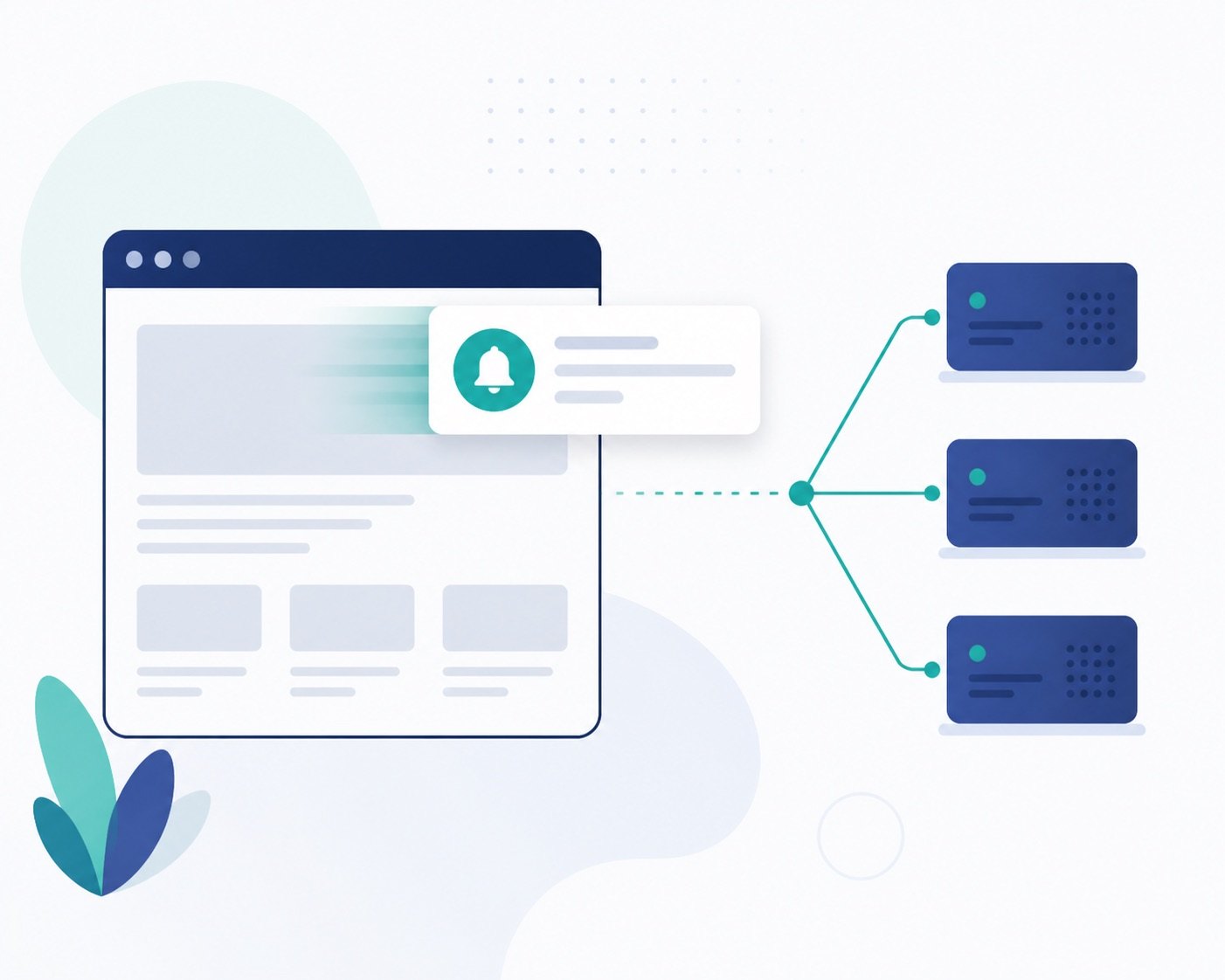
Here is the path a single notification takes:
- Your site registers a service worker, a background script the browser keeps alive after the tab is closed.
- The user grants notification permission, and the browser mints a subscription — an endpoint URL plus two encryption keys, unique to that browser install.
- Your server sends an encrypted payload to that endpoint. The endpoint belongs to a browser push service (FCM for Chrome, Mozilla autopush for Firefox, Apple's push service for Safari).
- The push service wakes the service worker on the device, which calls
showNotification()and draws the notification.
A web push notification service does not replace steps 1–4. It wraps them: it stores subscriptions for you, handles the VAPID keys and payload encryption, retries the endpoints that fail, tracks which notifications were shown and clicked, and gives you a UI to segment and schedule. The delivery itself still goes through the same browser push services everyone else uses.
This is the single most useful thing to understand before you evaluate vendors. Claims about "higher delivery rates" are mostly claims about subscription hygiene — pruning expired endpoints, retrying correctly, timing sends — not about a privileged pipe.
Self-hosting versus using a service
Self-hosting web push is genuinely feasible. Libraries like web-push for Node, pywebpush for Python, and equivalents in most languages handle VAPID signing and payload encryption in a few dozen lines. If you are sending one notification type to one audience, that may be all you need.
The cost shows up later, and it is rarely the sending code:
- Subscription lifecycle. Endpoints expire silently. Users clear site data, reinstall browsers, revoke permission. Without pruning, your subscriber count drifts away from reality and every send wastes requests on dead endpoints.
- Per-browser divergence. Payload size caps, TTL semantics, and how aggressively the OS batches wake-ups differ across Chrome, Firefox, and Safari. Each difference is a small bug you get to discover in production.
- Segmentation and scheduling. Sending to "users who visited a product page but did not check out, in their local evening" is a data problem, not a push problem, and it is the part you will actually spend time on.
- Reporting. Delivery, display, click, and dismissal are four different events, and only some of them are observable from the browser.
The honest rule of thumb: self-host when push is a single transactional trigger, buy when push is a channel you plan to segment and iterate on.
What to compare when choosing a web push notification service
Platform coverage. Ask specifically about Safari on macOS and about installed web apps on iOS. iOS supports web push only for a PWA the user has added to the Home Screen — not for a normal Safari tab. A vendor that quotes you a flat "all browsers" number is glossing over the biggest gap in the channel. If installability matters to your setup, the mechanics are covered in our guide to PWA push notifications on Android.
Opt-in flow control. The permission prompt can only be shown once per user, meaningfully. If they decline, it is over — recovery requires the user to dig through browser settings. Any service worth paying for lets you gate the native prompt behind your own soft prompt, and lets you choose the trigger moment rather than firing on page load.
Data ownership and export. Can you export raw subscription records and event logs, or only aggregate dashboards? This determines whether switching vendors later costs a week or costs your entire subscriber base.
Segmentation model. Look at whether segments are computed from events you send in, or only from the vendor's own on-site tracking. The former composes with the rest of your stack; the latter creates a second, divergent source of truth.
Pricing shape. Subscriber-based pricing punishes you for retaining inactive subscribers; send-based pricing punishes frequency. Neither is wrong — match it to how you actually intend to use the channel.
Deliverability hygiene. Ask how expired endpoints are pruned and how failures are retried. This is the one area where vendors genuinely differ, because it is unglamorous work that never appears on a feature page.
Where web push fits next to app install
Web push is often evaluated as a cheaper substitute for app push. It is better understood as a different point on the same curve: no store review, no download friction, and no install step — but a weaker permission grant, tighter payloads, and no presence on the home screen unless the user installs the web app.
For teams weighing that trade-off across the whole distribution decision rather than just the messaging layer, the comparison in PWA vs APK covers the surrounding context.
Limits worth knowing before you commit
- Opt-in rates are low. Single-digit to low-double-digit acceptance is normal. Plan the channel around a fraction of your traffic, not all of it.
- Permission fatigue is real and one-way. A prompt fired on the first page view converts worse and burns the only chance you get.
- Notifications are not guaranteed. If the device is offline past the TTL, the message is dropped, not queued forever.
- Payloads are small. Design for a title and one line, not a paragraph.
- Consent rules still apply. Push consent is a separate consent from email, and in several jurisdictions must be as easy to withdraw as it was to give.
Frequently asked questions
Do I need a web push notification service, or can I just use FCM?
FCM is one of the browser push services in the delivery path — Chrome's. Using it directly still leaves you to store subscriptions, encrypt payloads, prune dead endpoints, and handle Firefox and Safari through their own services. A web push notification service is the layer above all of them, not an alternative to any one of them.
Does web push work on iPhone?
Yes, but only for a web app the user has added to the Home Screen. Web push does not work from a regular Safari tab. This makes install prompts and iOS push two parts of the same decision rather than independent features.
Why did my subscriber count drop without anyone unsubscribing?
Almost always expired endpoints being pruned. Subscriptions die when users clear site data, reinstall the browser, or leave the device idle long enough for the push service to invalidate the endpoint. A count that never drops is a count that is not being cleaned.
Can I send a web push notification to someone who has not visited my site?
No. A subscription can only be created by that specific browser after an explicit permission grant on your origin. There is no way to acquire or import subscribers from elsewhere.
Choosing sensibly
Decide first whether push is a trigger or a channel for you. If it is a trigger, self-hosting with an open-source library is a reasonable and permanent answer. If it is a channel, evaluate services on subscription hygiene, prompt control, and data export — the three things that are painful to fix after you have committed — and treat headline delivery numbers as the least informative figure on the page.