
Web to App Conversion Tracking: Setup Guide for 2026
 Kenji WatanabePublished on November 3, 2026 · in Guides
What web to app conversion tracking means
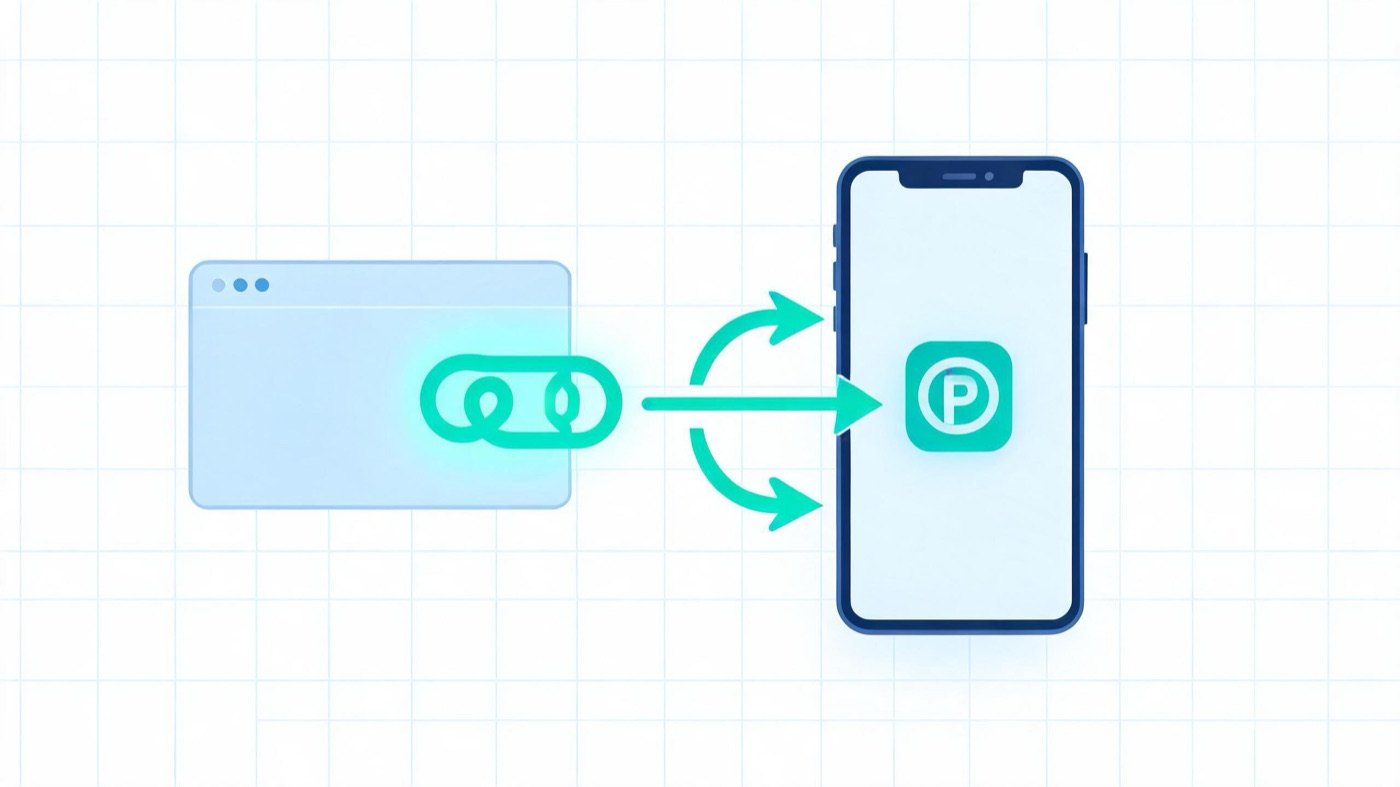
Web to app conversion tracking measures what happens after someone hits a web experience (ad, landing page, or site) and later installs or acts inside your mobile app. You are connecting two surfaces—browser and app—so paid and owned web traffic is not silently labeled “organic” at first open.
Typical events teams care about:
- Install / first open after a web session
- First in-app conversion (signup, purchase, level complete) after that install
- Re-open / deep-link open when the app was already installed
Without a bridge, the landing-page click and the store click look like two unrelated journeys. Attribution partners and Google Ads both document this gap; your job is to preserve campaign context across it.
The journey you must instrument
- User clicks a paid or owned link → lands on mobile web.
- Page shows a CTA (banner, button, QR, Smart Script link) → store or deferred deep link.
- User installs (or opens if already installed) → first open and optional in-app events fire in the MMP / Firebase / Play pipeline.
- Ad platform or warehouse joins web click → app event using shared parameters (gclid / gbraid / wbraid, UTM, OneLink params, etc.).
If step 2 drops query parameters, step 4 fails even when the product funnel looks fine.
Setup checklist (practical)
1) Decide the source of truth
Pick one system that owns app events (Firebase + Google Ads import, AppsFlyer / Adjust / Airbridge, or a warehouse). Web analytics alone cannot see post-install events.
2) Pass context through the landing page
- Keep inbound
utm_*,gclid, and partner click IDs. - Generate outbound store / OneLink URLs from those inbound params (Smart Banner / Smart Script pattern), instead of hard-coding a naked store URL.
- Prefer deferred deep links so first open still lands on the promised screen.
ROIBest readers comparing PWA and native paths can pair this with How to Convert a Website to an App Without Coding and Deep Linking for PWA when the “app” is installable web rather than a store binary.
3) Import app conversions into the ad account that runs web campaigns
For Google Ads Web to App Acquisition Measurement you typically need:
- First-open events imported for Android and iOS into the account that houses web campaigns
- For first in-app conversion reporting: also import in-app actions and mark at least one as a primary action you can bid to
Then enable columns such as web-to-app install / first-conversion metrics in the campaigns report. Exact column names follow Google’s current UI; verify in Google Ads Help before you screenshot for stakeholders.
4) Protect credit from the second click
Landing CTAs can steal attribution if the web SDK records a new touch that overrides the original ad. Some MMPs offer a protected window after landing so the banner click does not become the “last click.” Align that window with your media mix (often minutes, not days).
5) Validate with a single-variable test
- Click a tagged test ad → landing.
- Confirm the CTA URL still carries campaign params.
- Install from that CTA on a clean device / testbed.
- Confirm first open (and one in-app event) appear in the MMP and in the ad platform within the expected delay.
- Only then scale spend.
Metrics that matter
|
Metric |
What it answers |
|---|---|
|
Web → install rate |
Do landing + CTA create installs? |
|
Web → first in-app conversion |
Do installs become valuable users? |
|
Time from web click to first open |
Is the deferred path broken or slow? |
|
Param survival rate |
% of CTA clicks that retain gclid/UTM |
|
Organic first-open share |
Did web-assisted installs leak to organic? |
Compare these before/after you enable parameter-preserving CTAs. A pretty landing page that strips tags will look like a conversion win in web analytics and a mysterious organic spike in the app dashboard.
Common failure modes
- Naked store badges — App Store / Play buttons without templated attribution links.
- Desktop-only tagging — Mobile web serves a different template that drops UTMs.
- MMP and ads account mismatch — App events sit in a child account while web campaigns run in another without import.
- iOS privacy gaps — Expect modeling and longer delays; do not “fix” iOS by widening windows until every unpaid install looks paid.
- PWA vs native confusion — Home-screen PWAs and store apps need different event schemas; do not copy a Play first-open playbook onto a pure PWA without checking what your stack actually fires. See SEO Challenges with Progressive Web Apps for discovery-side constraints that still affect acquisition math.
FAQ
Is web to app conversion tracking only for Google Ads?
No. Meta, TikTok, and most MMPs support web-assisted or web-to-app flows. Google’s named “Web to App Acquisition Measurement” is one vendor implementation; the underlying problem (two clicks, one user) is universal.
Do I still need deep links if I only care about installs?
Yes, if you care about which web campaign to credit. A bare store URL usually breaks parameter continuity. Deferred deep links also improve post-install UX, which lifts first-conversion rate.
Can GA4 alone replace an MMP here?
GA4 can show web behavior and, with app streams, some app events—but paid web→app attribution at campaign grain still usually needs Ads import + an app attribution path. Use GA4 for diagnosis; use the ads/MMP join for budget decisions.
Bottom line
Web to app conversion tracking is the discipline of preserving campaign context from a web click through install and first in-app action. Instrument the landing CTA, import app events into the account that spends on web, protect credit from the second click, and validate on one clean test device before you scale. When those pieces line up, web campaigns stop looking “unprofitable” only because the app side was blind.