
PWA Landing Page: Structure, Install Flow, and What to Measure (2026)
 Mara LindqvistPublished on August 17, 2026 · in PWA Insights
A PWA landing page has a job no ordinary landing page has: it must convince someone to keep the app, not just to read the page. The conversion event is an install to the home screen, and on two platforms that install works in two completely different ways. Pages that ignore that difference lose most of their iOS traffic silently.
What makes it different from a normal landing page
A standard landing page ends in a form or a checkout. A PWA landing page ends in a system-level action that the browser — not your page — controls:
- On Android/Chromium, the browser fires an installability event once the manifest requirements are met. Your page can capture it and show your own button at a moment you choose.
- On iOS, there is no programmatic prompt at all. The user must open the Share sheet and tap "Add to Home Screen". Your page can only instruct.
So the page has two audiences with two flows, and detecting which one you are serving is not optional. The prerequisite is that the app is installable in the first place — the exact fields are in PWA manifest requirements.
Page structure that matches the flow
Above the fold: one promise and one action. Ad traffic arrives with an expectation set by the creative. If the headline does not restate that expectation in the visitor's language, the back button wins before anything else matters.
A visible install affordance, not a hidden one. On Android, hold the captured install event and surface your own button — placed in the flow, not floating in a corner. Firing the browser's native prompt on page load, before any context, is the most common way to burn the one prompt you get.
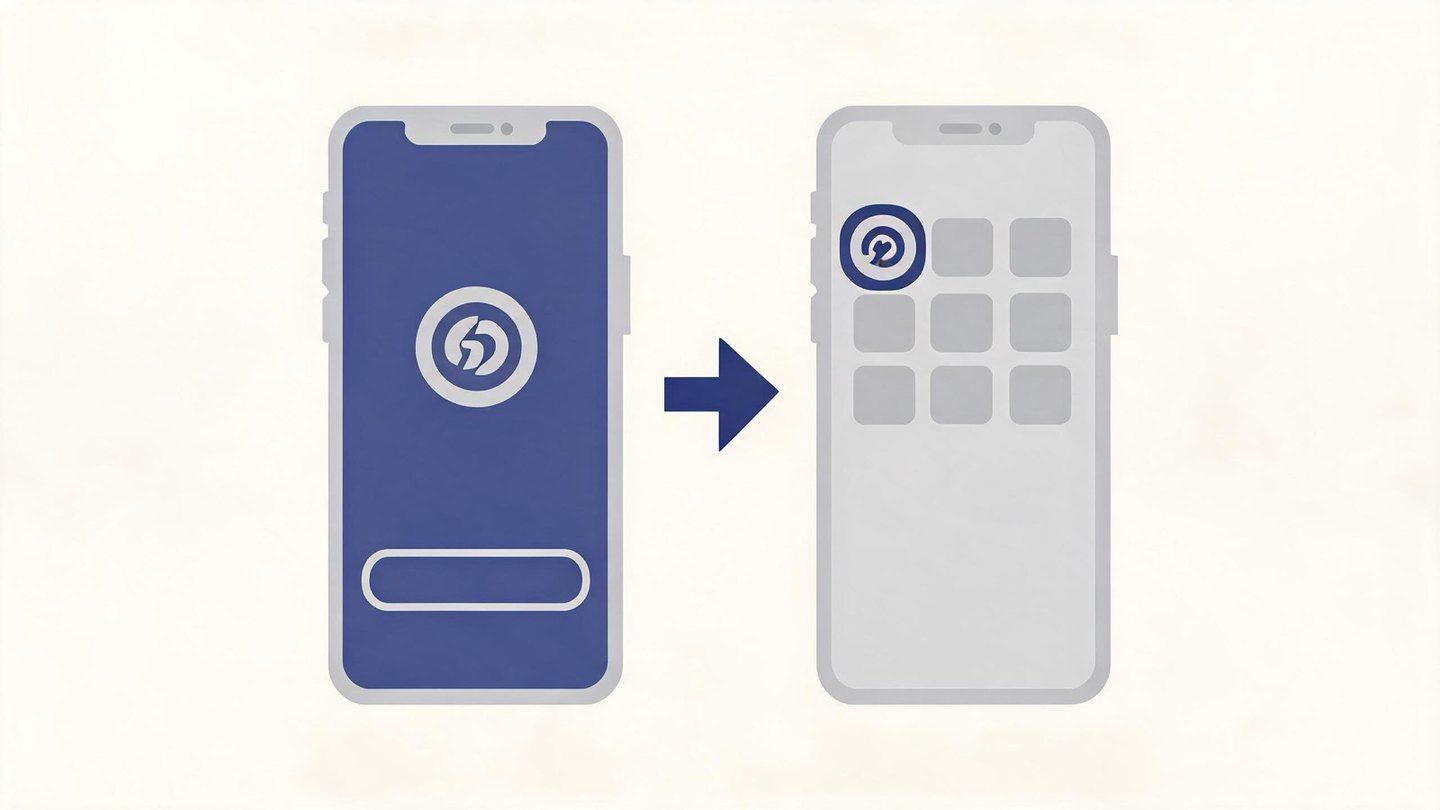
A platform-aware instruction block. iOS users need a short, illustrated three-step sequence: Share → Add to Home Screen → Add. Text alone under-performs an image of the actual menu, because users are looking for a glyph, not a word.
Proof and scope, briefly. What the app does, what it costs, whether an account is needed. An install is a commitment of home-screen space; ambiguity reads as risk.
Nothing that blocks first paint. Interstitials, cookie walls, and heavy hero video all sit between the click you paid for and the action you want.
Performance is part of the conversion path
Ad traffic is mobile, often on a slow connection, and almost always cold-cached. Two habits matter more than micro-optimisation:
- Ship the install path first. The manifest, the icons, the hero, and the install logic should not sit behind a large JavaScript bundle. Everything else can stream in afterwards.
- Do not let a service worker delay the first visit. Caching helps returning users; on a first visit an eagerly-installed worker with a large precache list only competes for bandwidth with the page itself. What offline caching can and cannot do is covered in PWA offline support.
What to measure
Treat the page as a funnel with a platform split, because a single "install rate" hides the failure you care about:
|
Step |
Event to record |
|---|---|
|
Landing |
page view, with platform and traffic source |
|
Eligibility |
installability event fired (Android) / iOS instruction block shown |
|
Intent |
your install button tapped, or the instruction block expanded |
|
Install |
app installed event (Android) / first launch in standalone display mode |
|
Retention |
return visits in standalone mode over the following days |
The standalone-mode launch is the one signal that works on both platforms: if the app opens without browser UI, it was installed from the home screen. On iOS that is effectively your only install measurement, so instrument it deliberately rather than inferring installs from clicks.
Two diagnostic patterns worth watching:
- High intent, low install — the browser prompt is being dismissed, or the iOS instructions are unclear or shown to the wrong platform.
- High install, no return — the icon was added and never opened again. That is a content and value problem, not a page problem, and no amount of landing page work fixes it.
Common mistakes
- One page for both platforms. Android instructions shown to iPhone users, or the reverse, reads as broken.
- Firing the install prompt immediately. The prompt can only be shown when you hold the event; spending it on arrival, before the visitor knows what the app is, wastes it.
- Assuming the install button implies an install. The user still confirms in a system dialog you cannot see. Only the installed event or a standalone launch confirms the outcome.
- Leaving
displayatbrowser. The app then opens in a normal tab and your standalone-mode measurement never fires — and the install felt pointless to the user. - Sending traffic to a URL outside
scope. The installed window bounces the user back into a browser tab. - Not testing on a real device. Install behaviour on a physical Android phone differs from both emulator and desktop.
If you are still weighing this route against a packaged Android build, the distribution trade-offs are laid out in PWA vs APK.
Frequently asked questions
What is a PWA landing page?
A page built to convert visitors into installs of a progressive web app rather than into a form fill. It combines a normal landing page's messaging with a platform-specific install flow: a captured install prompt on Android, and Share-sheet instructions on iOS.
Can I trigger the install prompt automatically?
On Chromium you can call it only while holding the installability event the browser gave you, and it is a single opportunity per event — so it should follow a user action, not page load. On iOS there is no programmatic prompt at all.
How do I know whether someone actually installed the app?
Record the installed event on Android, and on both platforms record launches where the display mode is standalone. A button click is intent, not an install.
Do I need a separate landing page for iOS and Android?
Not necessarily separate pages, but the install section must branch by platform. Showing Android instructions to an iPhone user is one of the largest avoidable drop-offs on this type of page.
Does a PWA landing page need a service worker?
Not for installability. A service worker is worth adding for returning-visit performance and offline behaviour, but on a first ad visit it should not be allowed to compete with the page load.